Creating a ResMan integration
Last updated: July 11, 2025
This guide walks you through creating an integration with the ResMan API. You will need access to the customer name, integration partner ID, an API key and the account ID.
Finding your ResMan credentials
⚠ The Account ID must be obtained from ResMan directly. You can find more information in the introduction of the ResMan API docs.
Log into ResMan, and on the left-hand side of the dashboard, scroll down to Admin, then select Users.
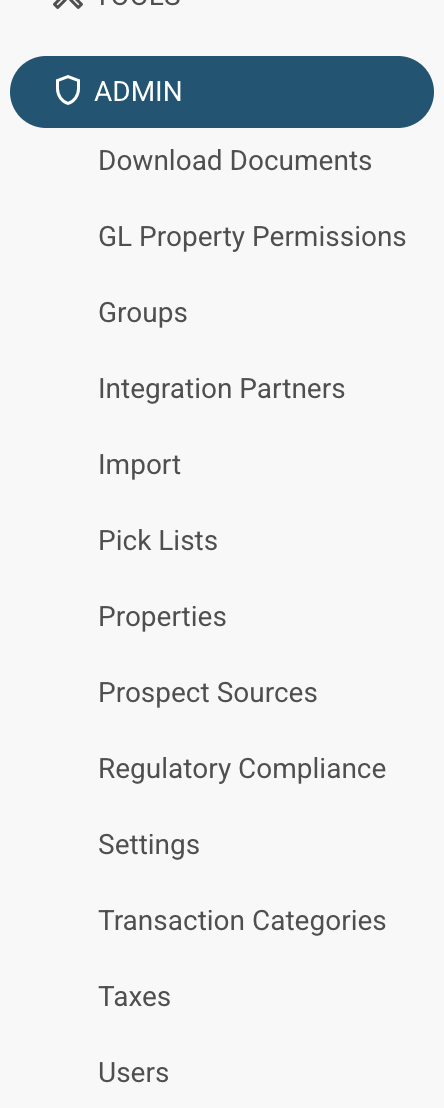
At the top of the users page, create a new user if necessary. Then, navigate to API Users.

The partner ID required will be the Name of the appropriate user, and the API key will be the Password (click to show).
Integrating with Propexo
In Propexo, navigate to the integrations tab.
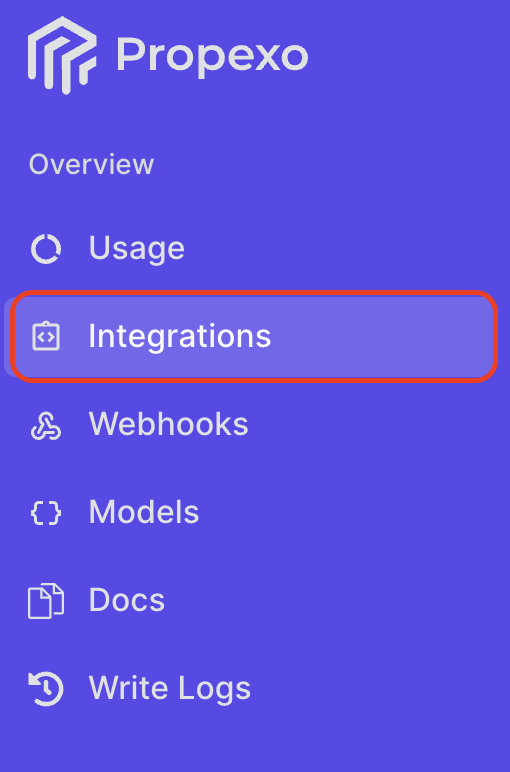
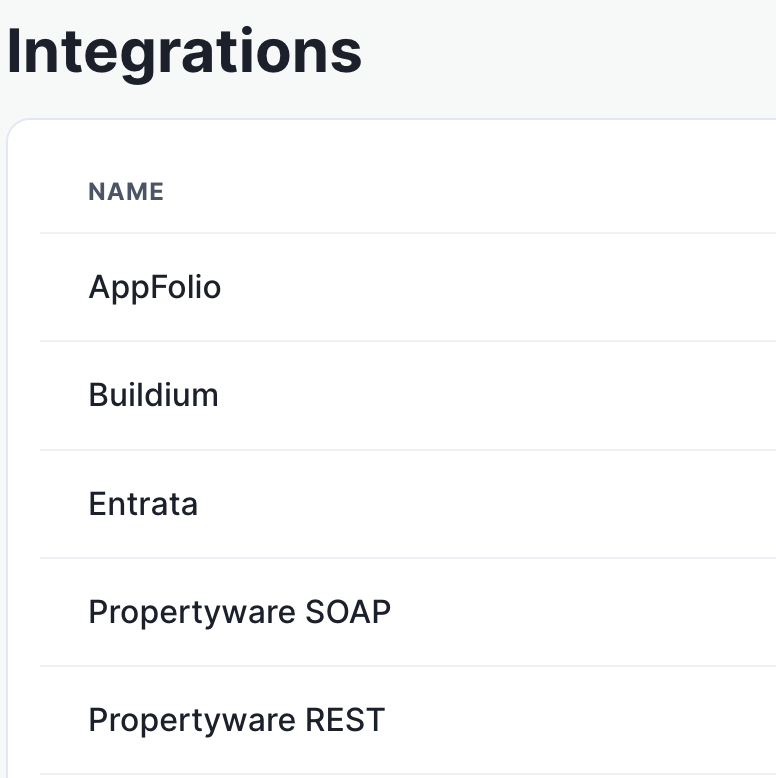
Then, select your relevant PMS from the list (PropertyWare REST in this instance).
On the PMS page, select Production or Sandbox as necessary, then click New Customer.
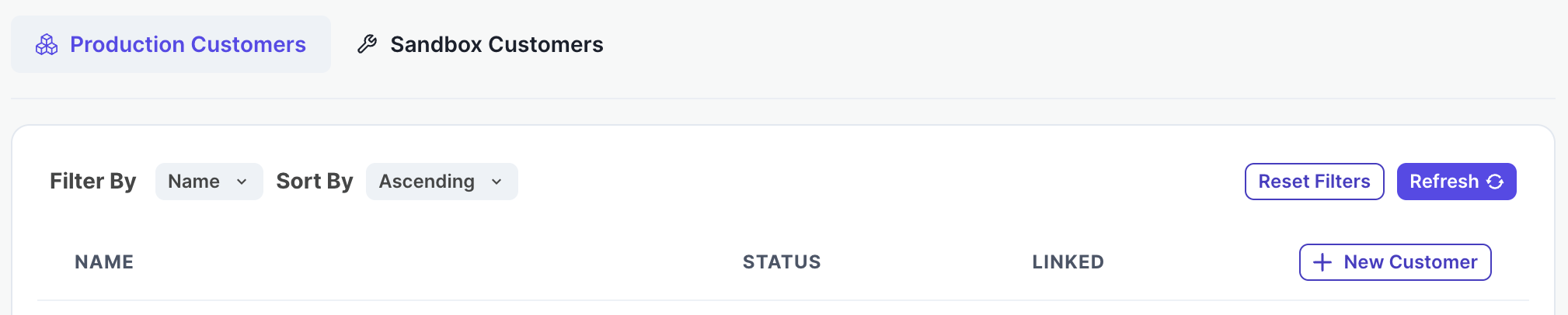
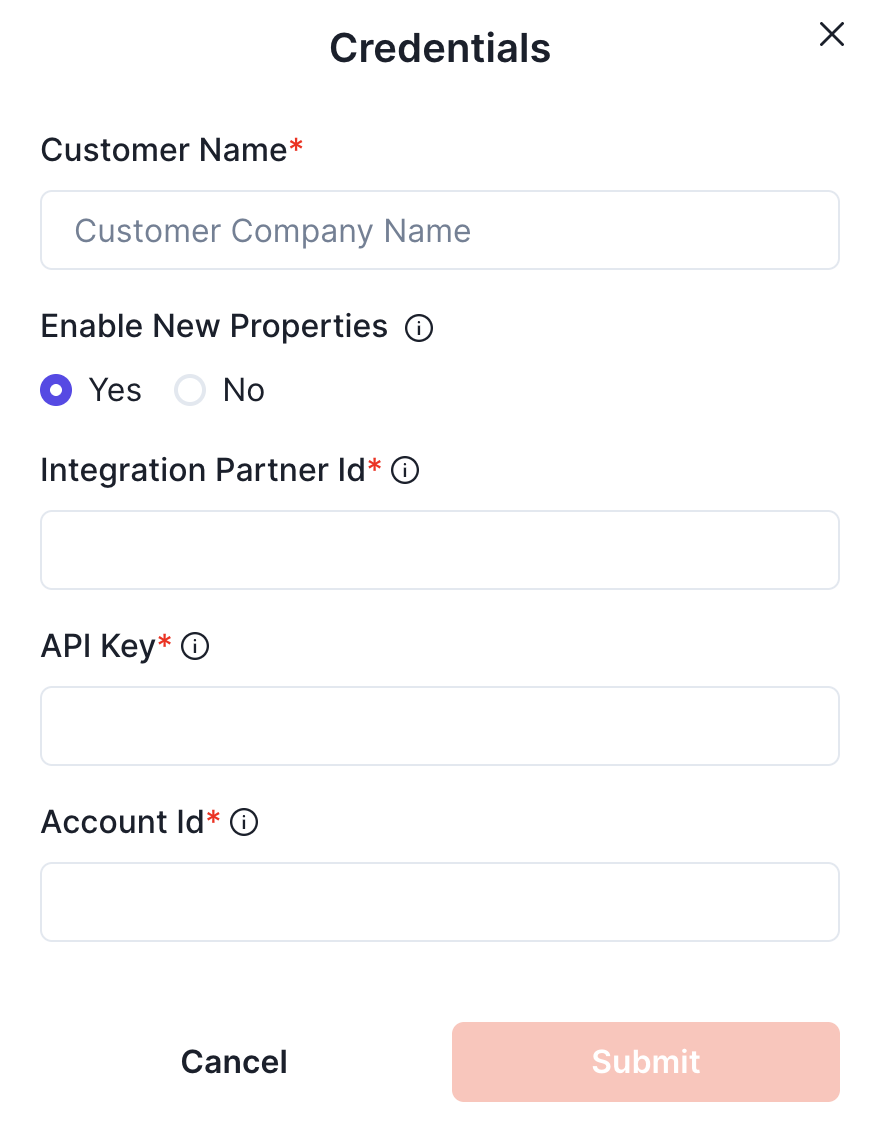
Enter the customer name, Integration Partner ID, API key and Account ID obtained previously.
Your integration should now be correctly set up. You can verify your connection by using the data access panel.