Managing Integration Sync Schedules
Last updated: March 23, 2026
Integration sync schedules determine how often data is transferred between Propexo and connected systems. This guide outlines how to configure, customize, and monitor your sync schedules to match your operational needs.
For more information on setting up your sync schedule in the various stages of using Propexo, please refer to this article.
Sync Frequencies
Propexo provides adjustable sync options to accommodate different types of data. Some examples:
Every 15 minutes – Ideal for time-sensitive data such as applicants or event pipeline updates.
Every 12 hours – Suited for less time-sensitive data and helps reduce strain on PMS API rate limits.
Custom schedules – Configure varying sync frequencies throughout the day to match business cycles or usage patterns.
How to Configure Custom Sync Schedules
You can configure custom sync schedules either through the web app or via the Propexo API.
Via the Web App
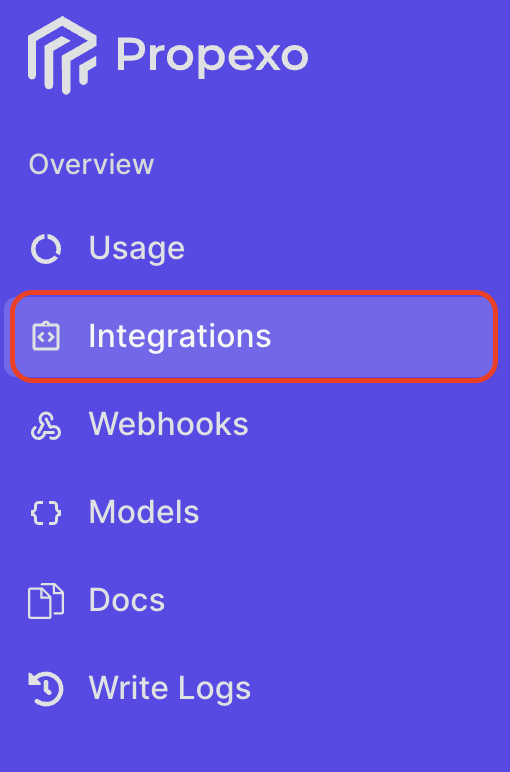
Navigate to the Integrations section in the Propexo web app.
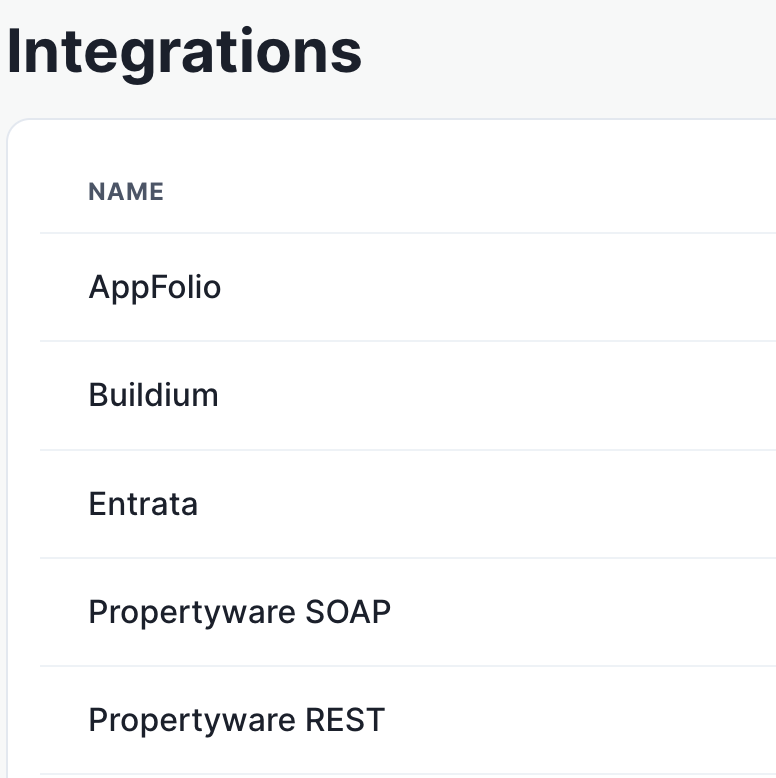
Select the relevant PMS.
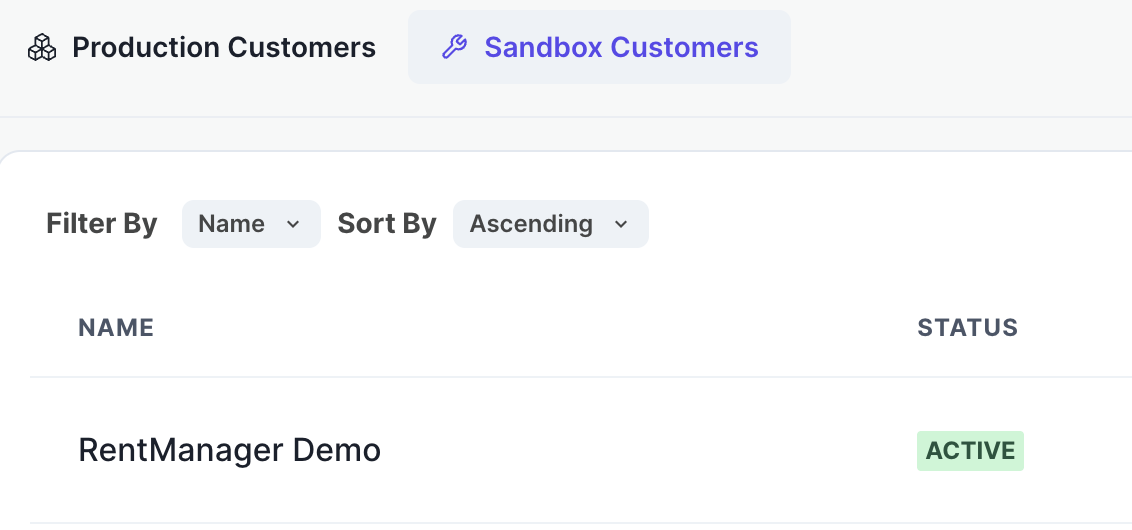
Then, select the relevant integration.
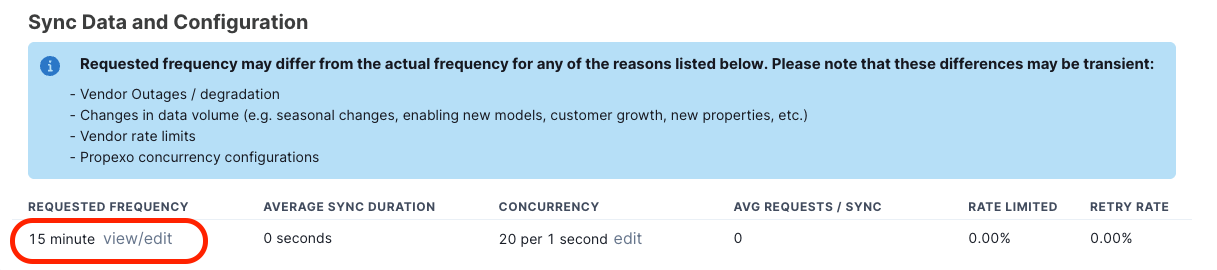
Scroll to the Sync Data and Configuration section, and adjust the Sync Frequency and Concurrency settings to meet your needs.
Via the Propexo API
You can also programmatically configure sync schedules using the Propexo API. Refer to the Propexo API documentation for implementation details, including authentication, payload structure, and supported intervals.
Setting Up Multiple Integrations with the Same Schedule
To apply the same sync schedule across multiple integrations (each of your customers), you can use the Integration Cloning feature:
Set up one integration with your desired sync configuration.
Monitoring Sync Status
You can track sync activity through your dashboard:
Go to Integrations > Sync Results to view sync history and outcomes from the last 24 hours.