Cloning an integration
Last updated: March 23, 2026
Propexo allows you to configure integrations at a granular level. To streamline implementation and reduce repetitive setup, you can clone an existing integration’s configurations. This is especially helpful when onboarding new properties or customers using the same property management system (PMS).
How to Clone an Integration
You can clone integrations either via the Propexo API or the Dashboard UI.
Option 1: Using the Propexo API
Pass the
based_on_integration_idparameter to specify the integration you wish to clone.
Option 2: Using the Propexo Dashboard
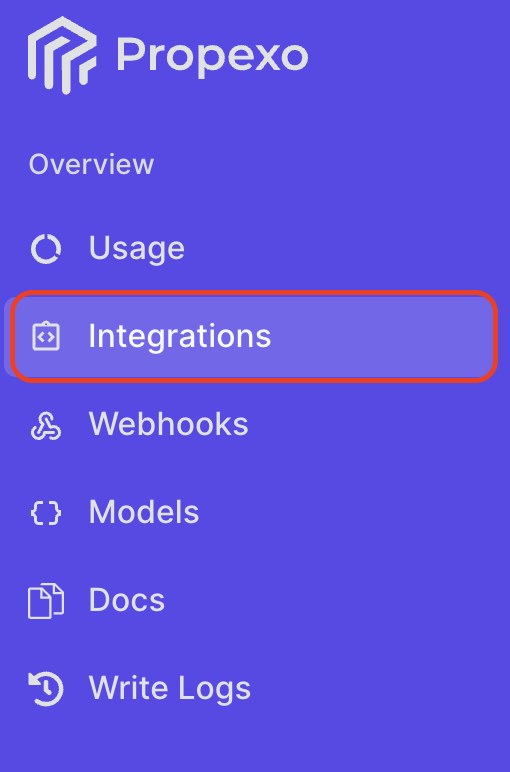
Navigate to the Integrations section in the Propexo web app.
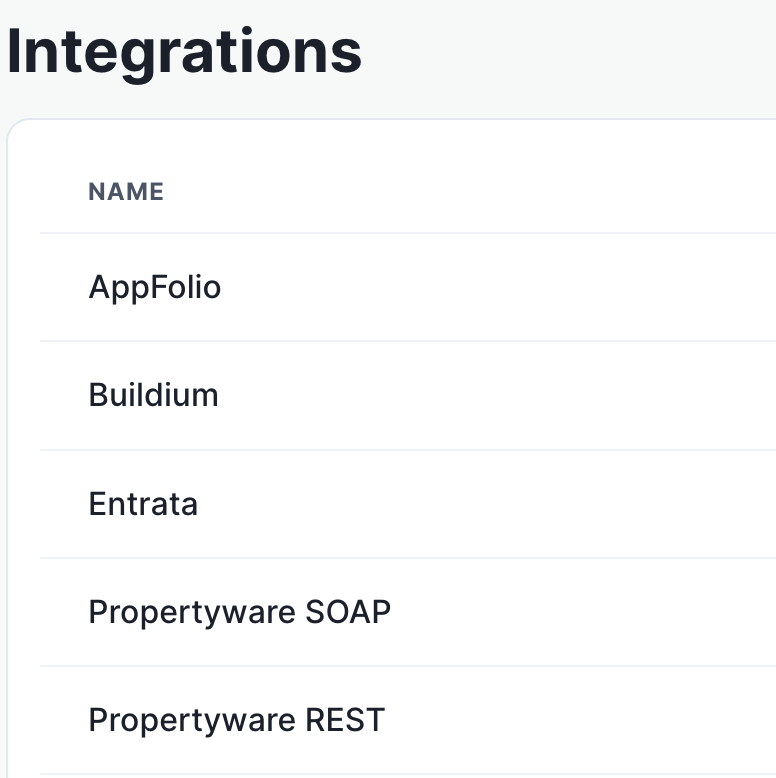
Select the relevant PMS.
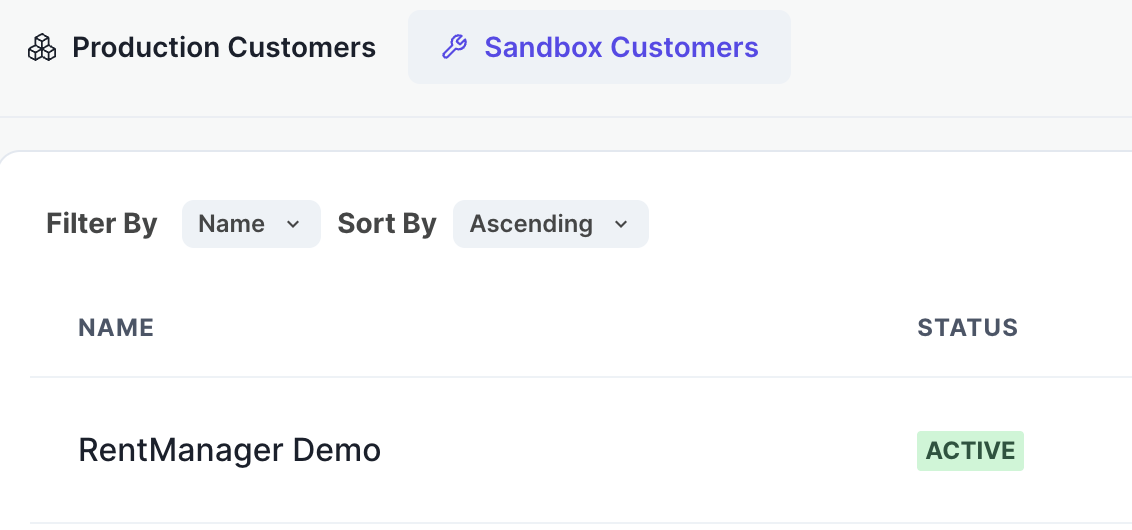
Then, select the relevant integration.
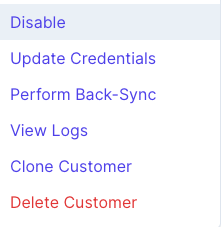
Click the “...” menu next to the integration, and choose “Clone Customer.”
Follow the on-screen instructions to complete setup.
What Gets Cloned
When you clone an integration, the following configurations are duplicated:
Job Schedules
Defines when and how often Propexo retrieves data from the PMS.Date Filters
Controls the date ranges applied to queries for specific data models.Sync Controls
Specifies the custom data syncing behavior we’ve configured for your integration. These settings are established with our support team during setup and define how and when your data is kept up to date.Custom Enum Maps
While Propexo includes a default set of normalized enum values (e.g.status_normalizedon a lease), you may define custom mappings. These are set up during the first integration and carried over when cloned.
Limitations of Cloning
Please note the following restrictions when cloning integrations:
PMS Consistency Required
You can only clone from one integration to another using the same PMS.
Example: You may clone from Propertyware to Propertyware, but not from Propertyware to Entrata.Environment Boundaries
Cloning is limited to within the same environment. You cannot clone from Sandbox to Production or vice versa.