Creating a Yardi REST integration
Last updated: March 11, 2026
This guide walks you through creating an integration with the Yardi REST API. You will need access to a Yardi interface username and password, API token, and the interface entity.
Obtaining your credentials from Yardi
Yardi provides most of the credentials directly, which will be obtained during their QA process. You can find more information on this process here.
The interface username and password must be provided by the customer, or directly by Yardi during the QA process.
The interface entity will be provided directly by Yardi, each one having an equivalent API token.
Integrating with Propexo
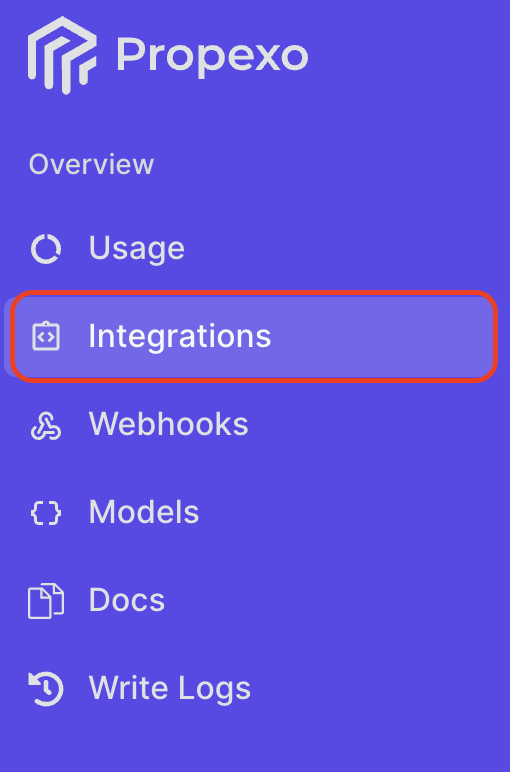
In Propexo, navigate to the integrations tab.
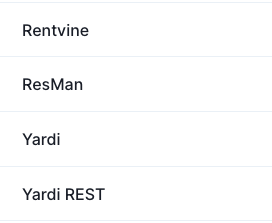
Then, select your relevant PMS from the list.
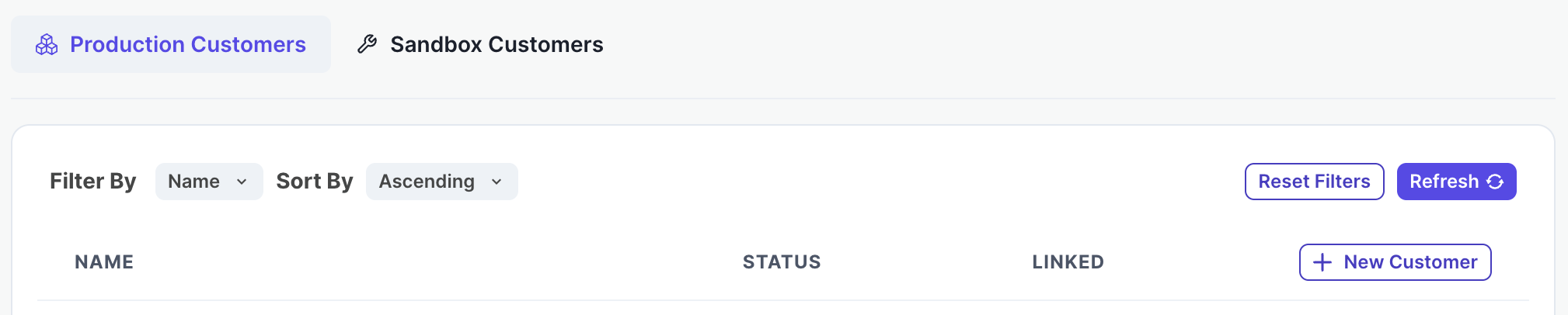
On the PMS page, select Production or Sandbox as necessary, then click New Customer.
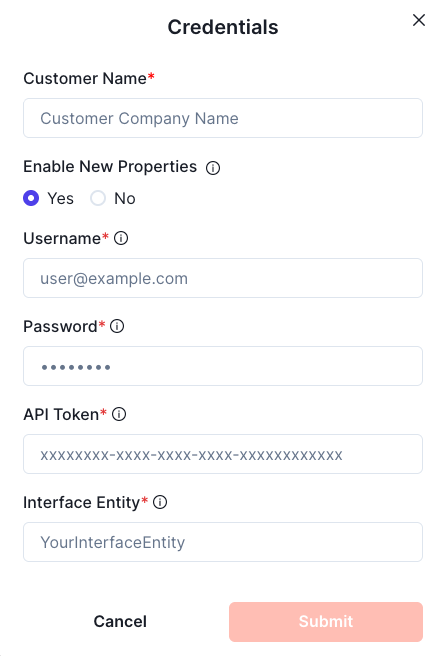
Enter your interface username and password, API token, and the interface entity, then submit.
Your integration should now be correctly set up. You can verify your connection by using the data access panel.