Creating a Propertyware REST integration
Last updated: July 16, 2025
This guide walks you through creating an integration with the Propertyware REST API. Please note we offer access to both a Propertyware SOAP and REST API. The REST API is more recent, while the SOAP API is more comprehensive. Please contact Propertyware if you are unsure which to use.
You will need access to the customer name, client ID, client secret, and system ID.
Generating your required credentials
Navigate to Setup in the top-right corner.

In the context menu on the left-hand side, expand Personal Setup, the click on My Account.
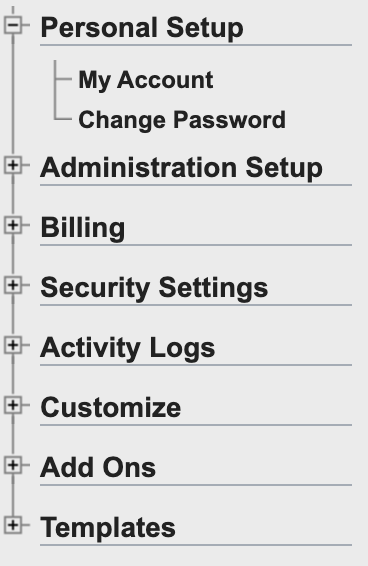
You can find your system ID in the following page under Propertyware Org ID. This will be needed later.

Next, in the left-hand menu, expand Administration Setup, then select API keys.
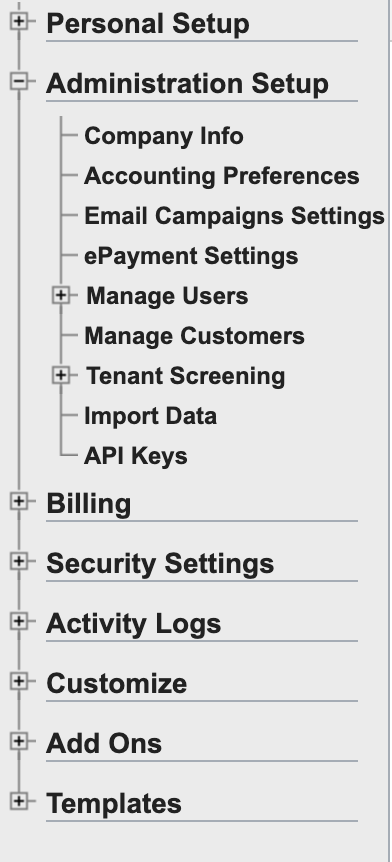
Click the Create API Key button at the top of the resulting page. You will then need to select which permissions are needed for your integration.
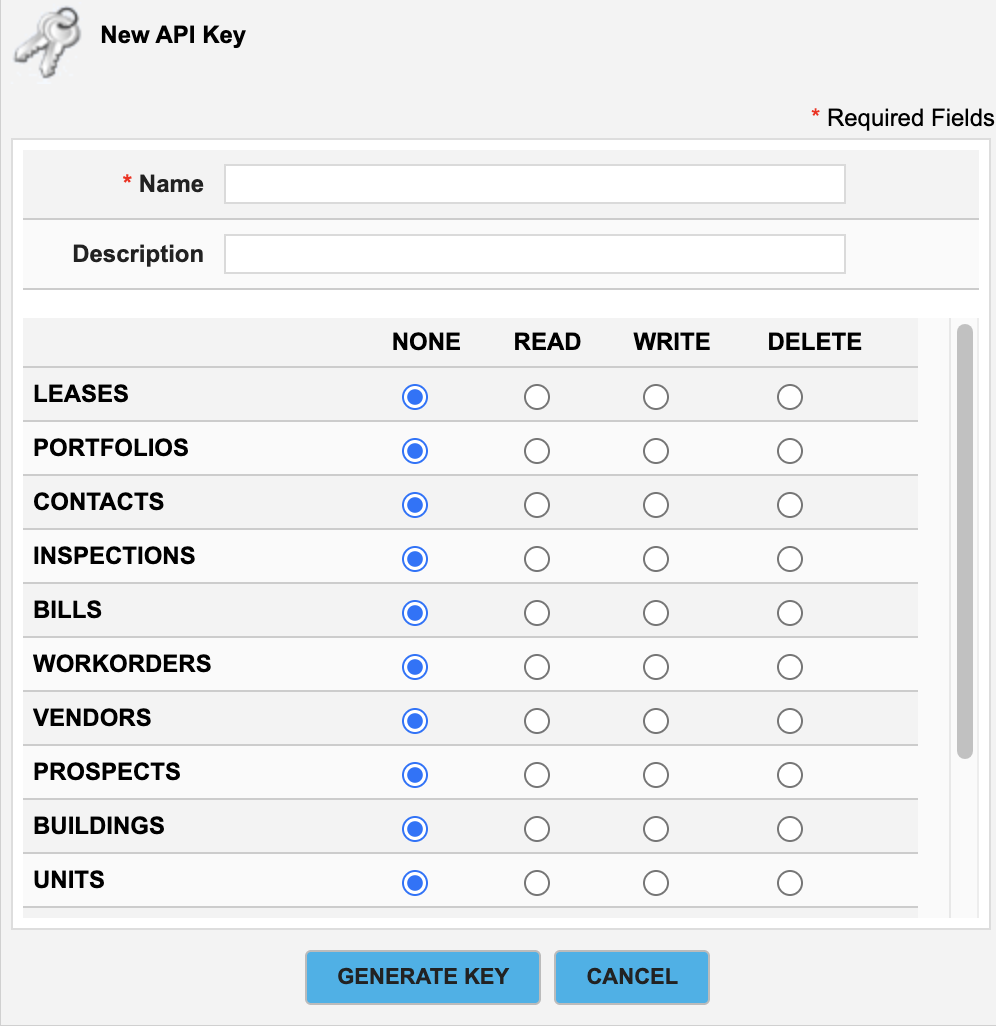
Click Generate Key, and make a note of your client ID and client secret.
Integrating with Propexo
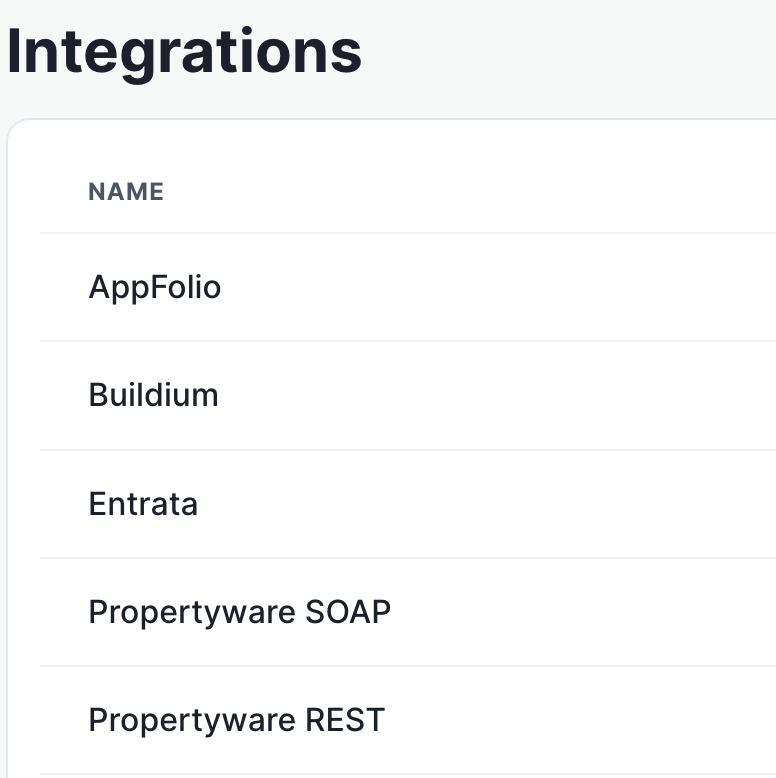
In Propexo, navigate to the integrations tab.
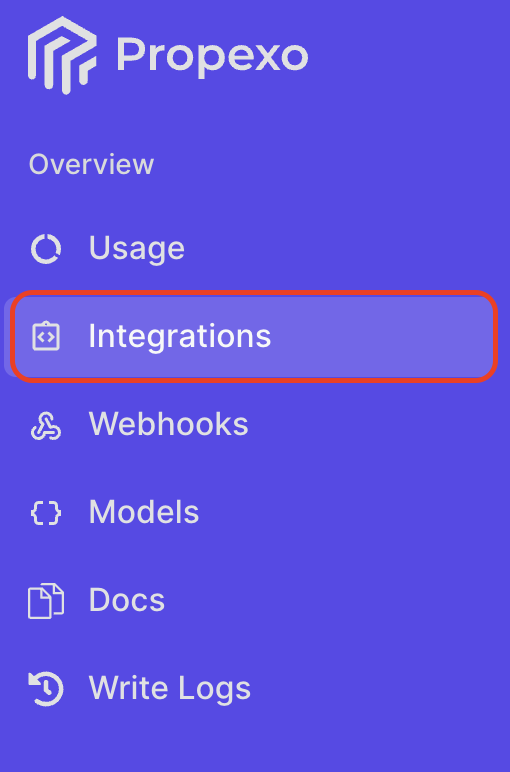
Then, select your relevant PMS from the list (PropertyWare REST in this instance).
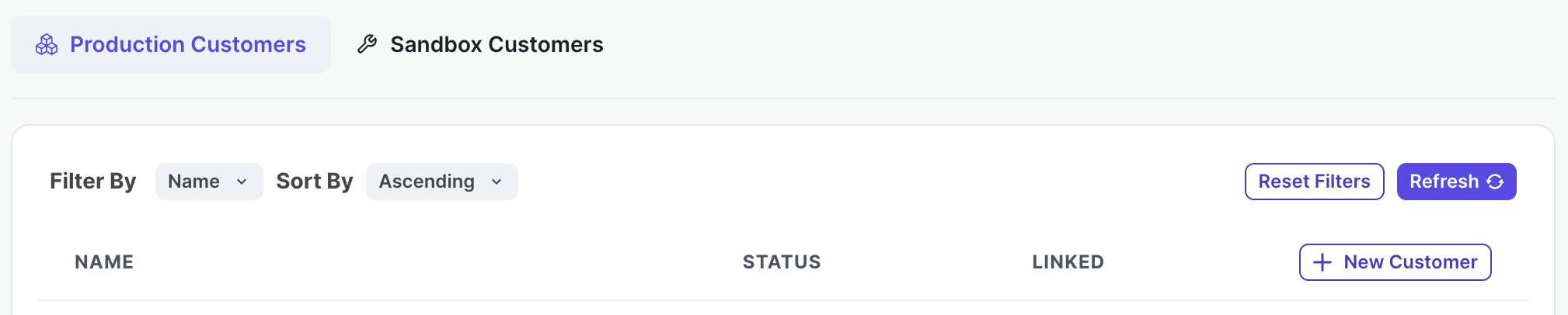
On the PMS page, select Production or Sandbox as necessary, then click New Customer.
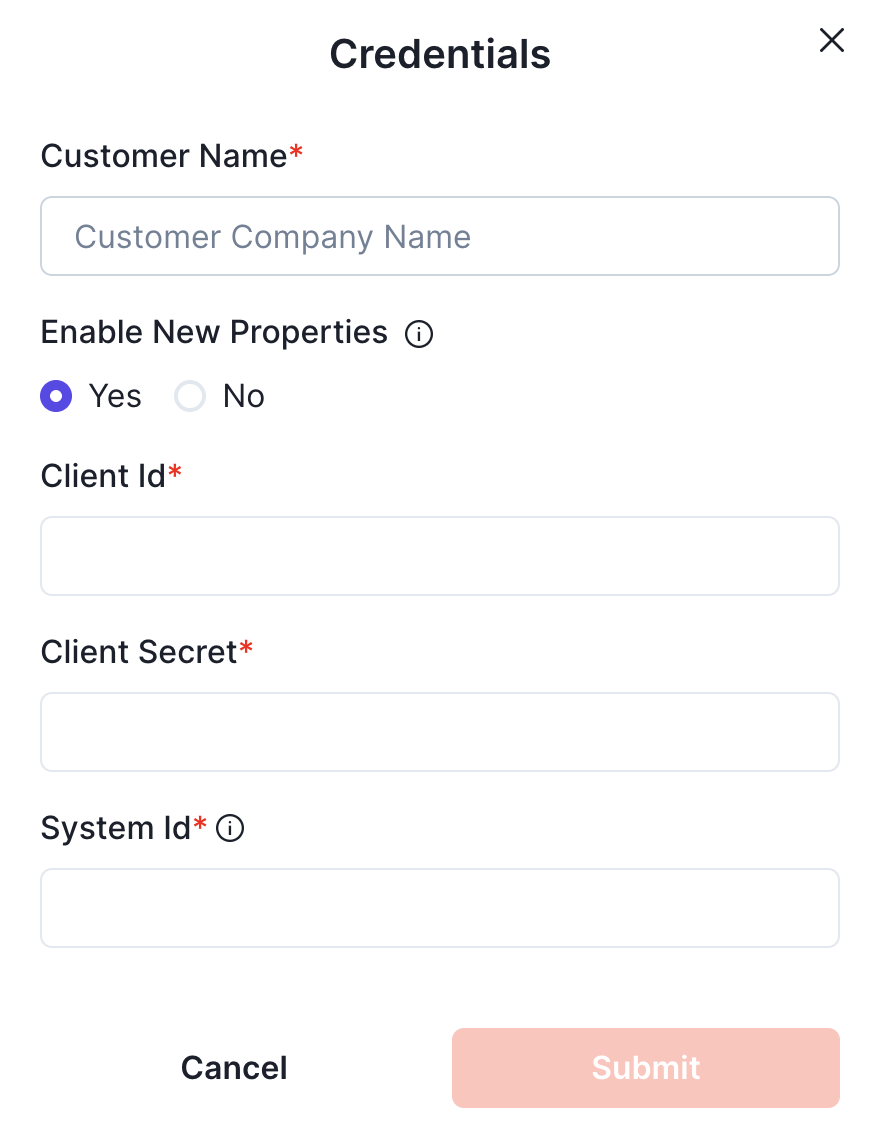
Enter your customer name, the client ID and secret, and system ID obtained in the steps above, and submit.
Your integration should now be correctly set up. You can verify your connection by using the data access panel.