Understanding Where Your Data Comes From in Your PMS
Last updated: March 23, 2026
This article answers the question:
“Where is this data coming from/going in our property management system (PMS)?”
This article will also help when your property management system (PMS) asks for details about which endpoints you're using or how data is flowing during an approval call.
How Propexo Maps PMS Data
For each Propexo API endpoint in our documentation, we provide:
Sample requests and responses – So you know exactly what to expect when calling a specific endpoint.
Field-by-field explanations – Each field in the response is documented for clarity.
PMS source mapping – Most importantly, we show the exact PMS endpoint or method where each piece of data is retrieved from.
This will help understand which PMS APIs Propexo interacts with at a high level. It's especially useful if you're seeking approval from your PMS provider and need to clarify which APIs your integration will require access to.
Where to Find This in the Docs
To view the PMS source for any field:
Go to the Propexo API Docs
Navigate to the specific PMS you are using.
Navigate to the relevant endpoint (e.g.,
/residents,/leases,/transactions)Look at the response schema – each field includes a “PMS Source” or “Backed by” note showing where it’s pulled from in the PMS
Example
Let’s say you’re using the /leases endpoint and want to know where the depostit_amount is coming from.
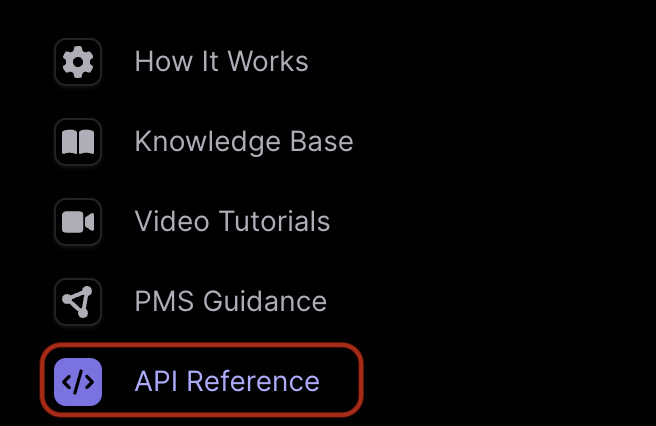
In the Propexo documentation, go to API Reference.
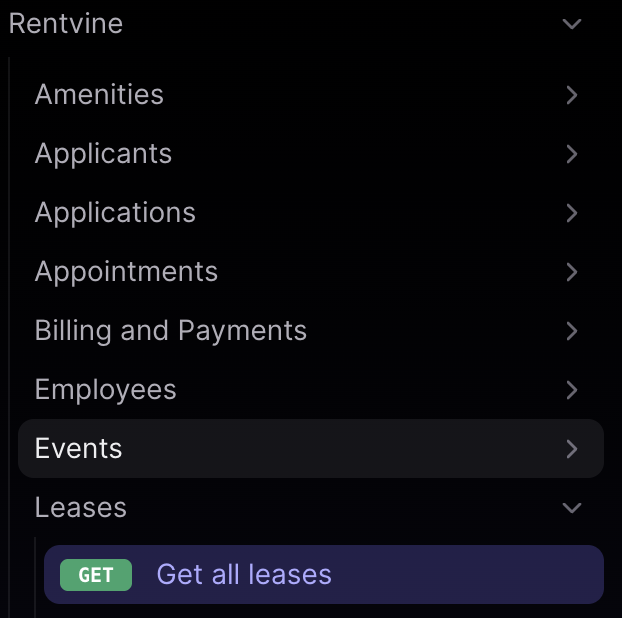
Select your PMS and then click on the relevant endpoint, in this case, "Get All Leases."
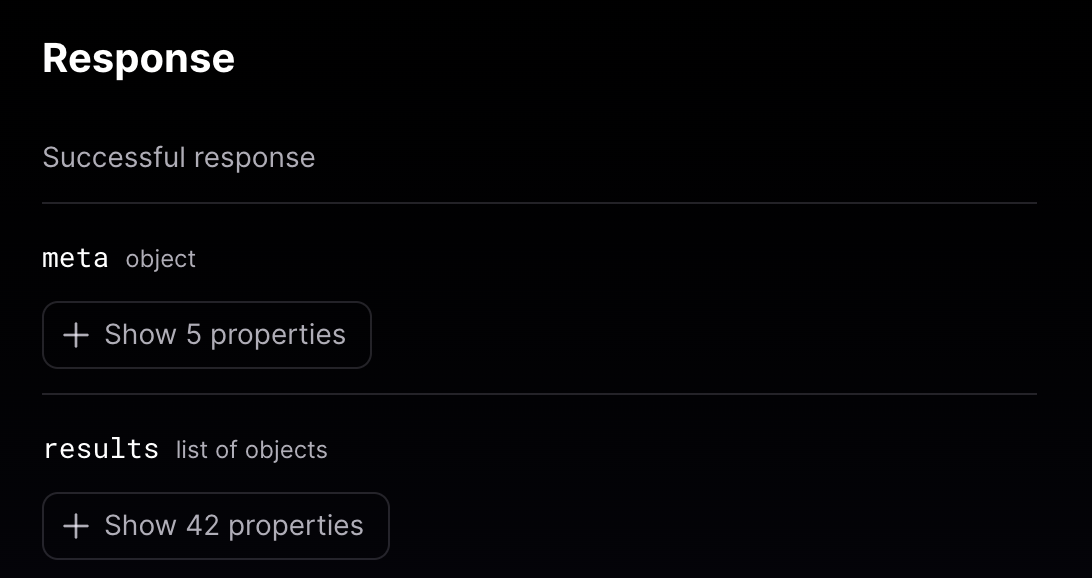
Scroll to the Response section, and expand the
resultsobject to view the full list of properties returned by the Propexo API.
Each field populated from the PMS will include a note showing which PMS Method Propexo uses to retrieve that data.
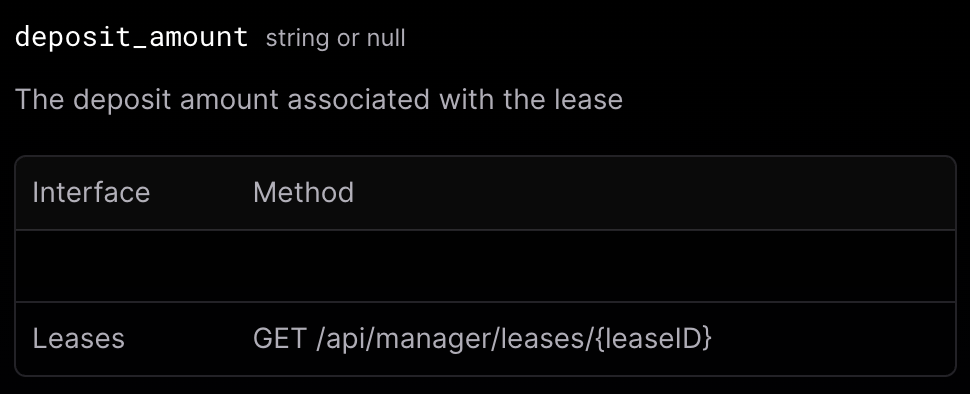
For example, you may see that the deposit_amount field is sourced from GET/api/manager/leases/{leaseID}.
This allows you to easily trace which PMS operations are behind each field, helping you verify accuracy or troubleshoot if something looks off.
⚠ If multiple sources are listed, we can get data from those as well.