Finding an integration ID
Last updated: July 7, 2025
When you set up a PMS integration, each integration gets assigned a unique identifier called an Integration ID. This ID helps our support team quickly locate and troubleshoot any issues with your specific integration. Providing this ID is often the first step in resolving technical problems efficiently.
Here's how to find it:
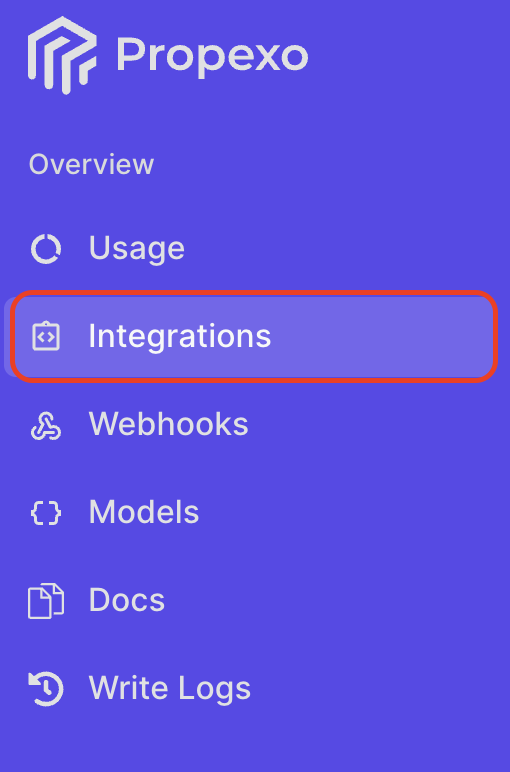
Navigate to the Integrations section in Propexo.
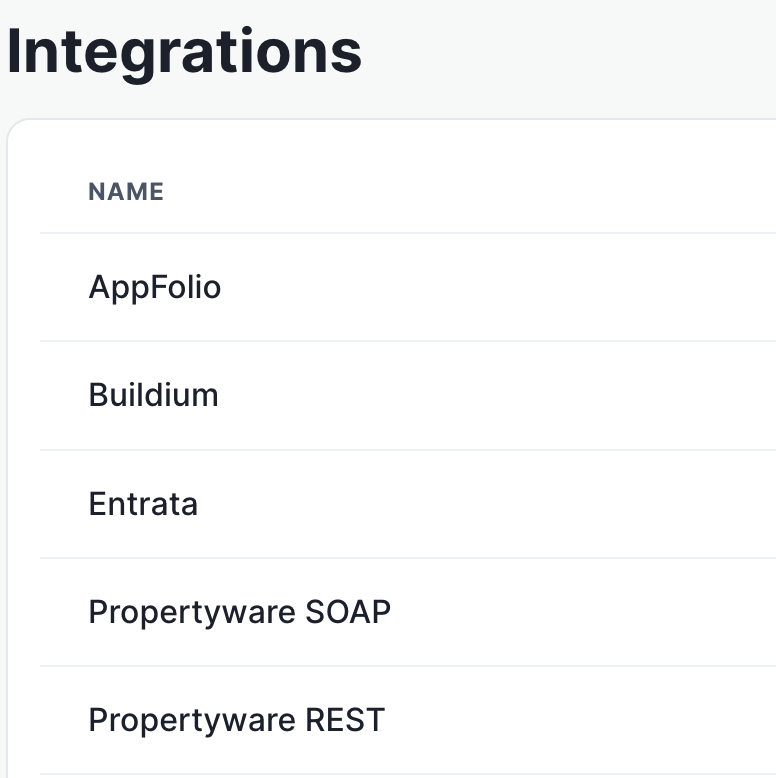
Select the relevant PMS.
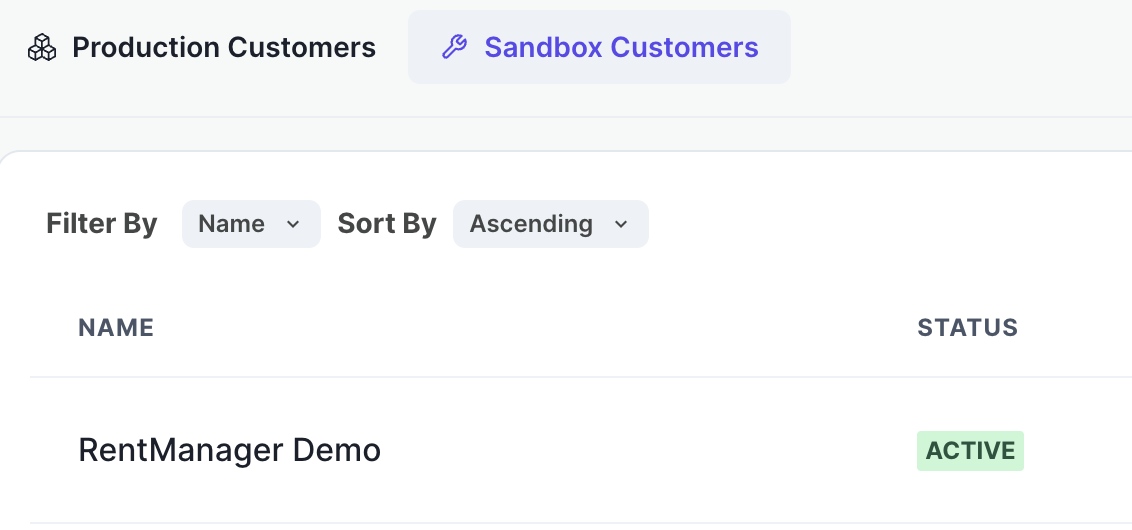
Then, select your integration for which you are obtaining the integration ID.
On the integration page, the integration ID will be located in the top panel. You can click it to copy.
