Setting your Sync Concurrency
Last updated: July 16, 2025
Propexo allows you to configure the number of parallel sync operations to help you balance performance and stability. Adjusting your concurrency settings can help speed up syncs or avoid hitting PMS rate limits, depending on your integration needs.
To access the sync concurrency settings:
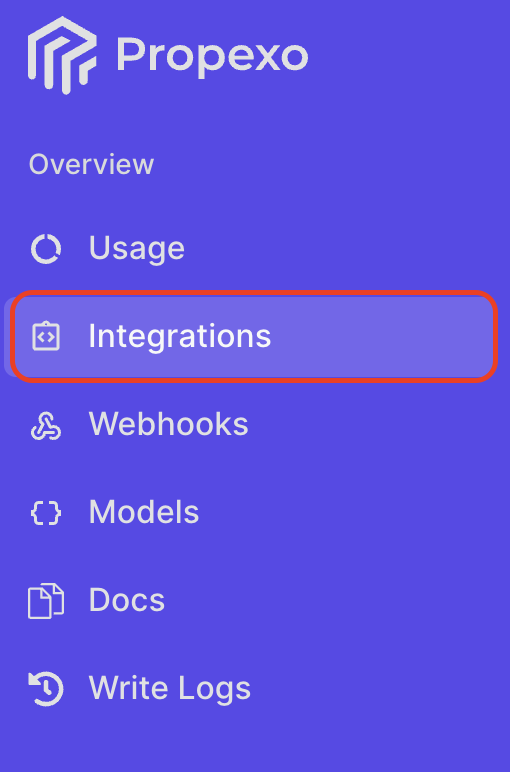
Navigate to the Integrations section in the Propexo web app.
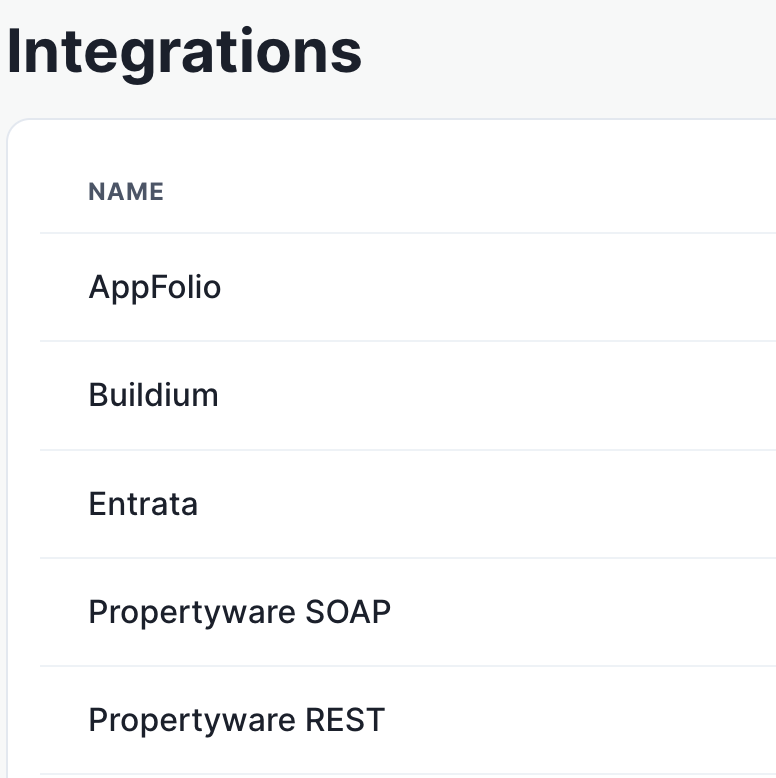
Select the relevant PMS.
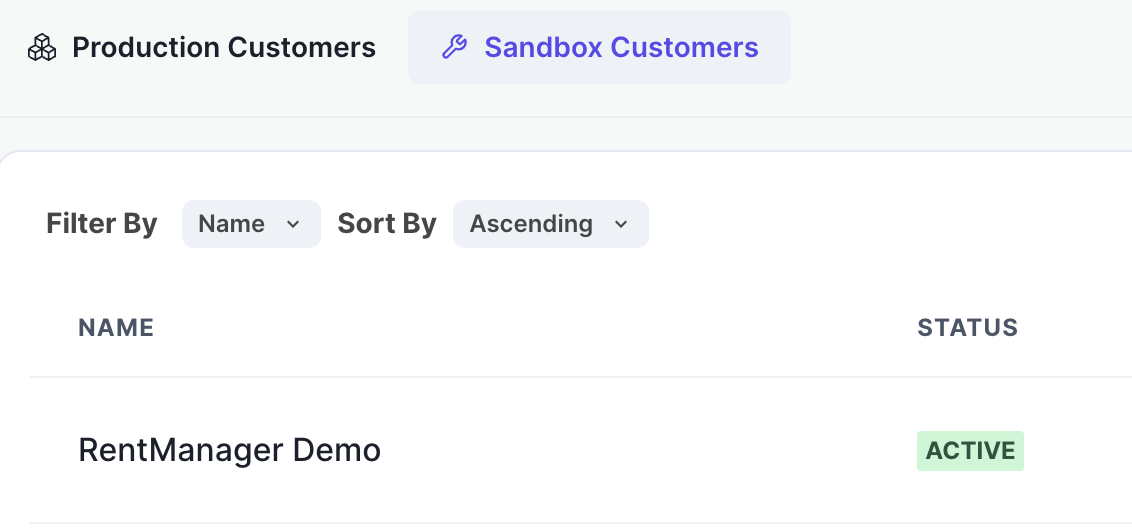
Then, select the relevant integration.
Scroll down to the Sync Data and Configuration panel, and click the Edit button next to sync concurrency settings to change your settings.
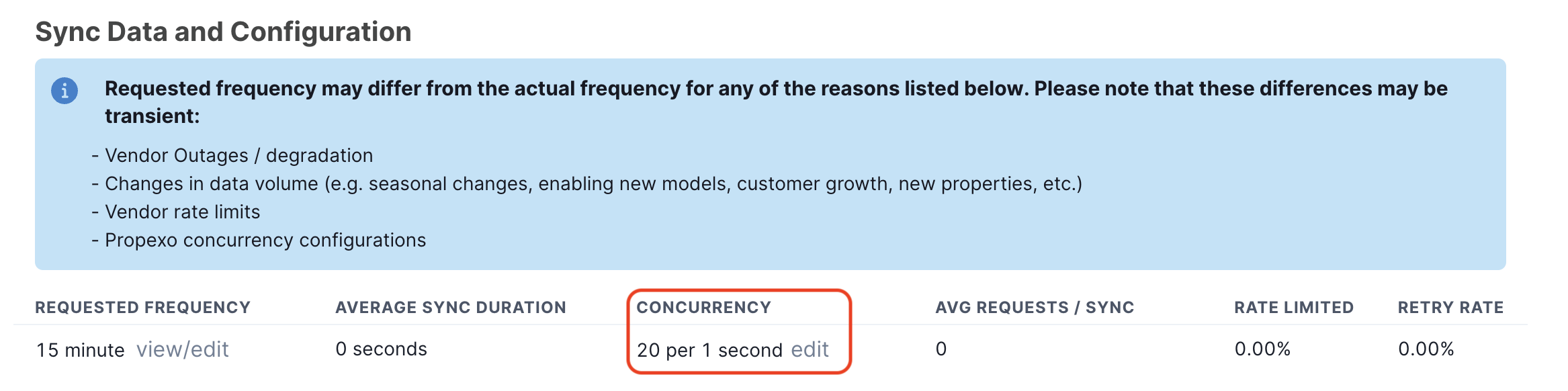
Some PMSes enforce rate limits, so this setting should be closely monitored. It is generally recommended not to increase it faster than the default setting.
If you're unsure what concurrency setting is best for your integration, feel free to reach out to our support team—we’re happy to help optimize it for your use case.