Triggering a sync
Last updated: April 1, 2026
Syncs keep your Propexo integration up to date with the latest data from your PMS.
Regular syncs only look back a limited amount of time to reduce unnecessary record processing.
If you need to pull in older records, you can run a backsync to load historical data.
Triggering a Sync or a backsync via the UI
Log in to Propexo.
Select your integration.
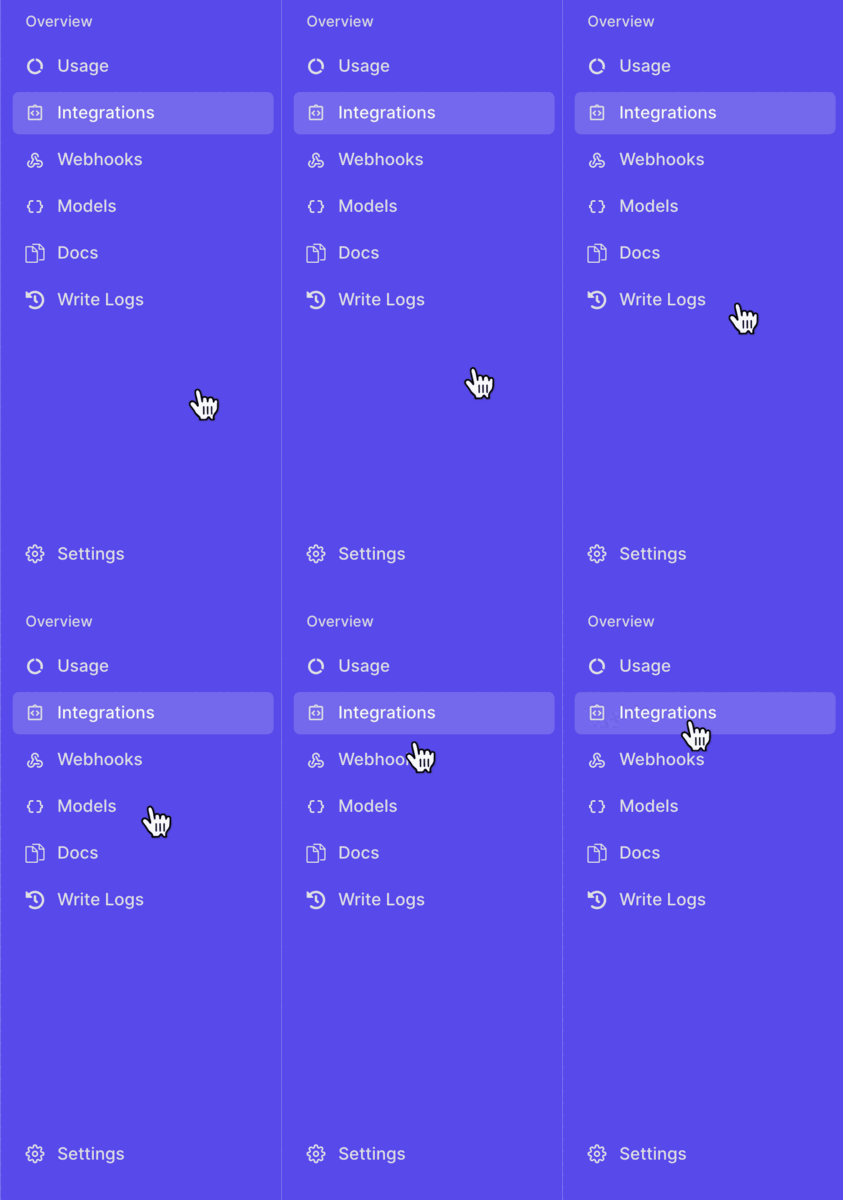
Click “Sync Now” on the right-hand side.

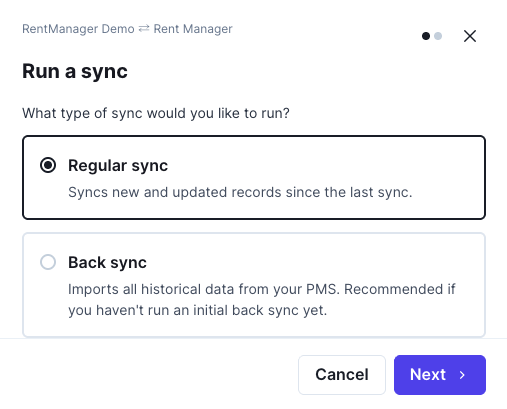
Select If you'd like to trigger a regular sync or a backsync.
Select if you'd like to sync all models, or only certain ones, and click Start Sync.
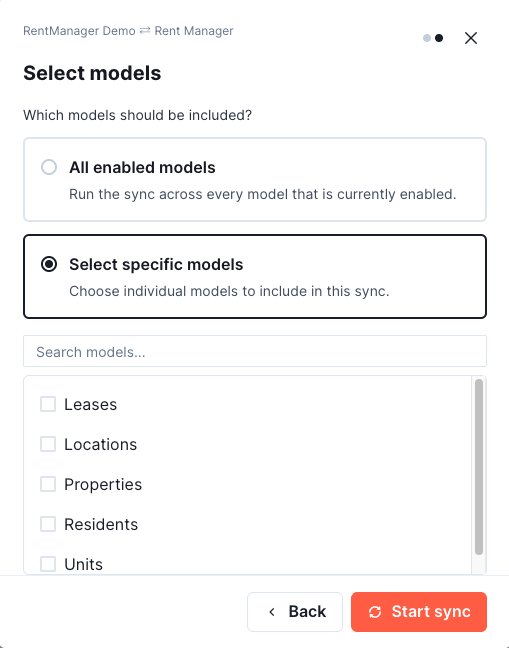
This will sync all enabled models for that integration.
Triggering a Sync via the API
You can also trigger a sync programmatically using the API:
Trigger a Manual Sync API Reference
If you only want to sync specific models, you can specify them in the request body.
Details on how to pass models and the available options can be found here:
Models to Sync Parameter
Triggering a Backsync via the API
You can also trigger a backsync using the API:
Trigger a Backsync API Reference
As with manual syncs, you can include specific models in the request body.
Refer to the same Models to Sync Parameter guide for details.