Using the Data Access panel to troubleshoot your integration
Last updated: September 19, 2025
The Data Access panel gives you a clear view of how your integration is performing. It shows which data models are able to read, create, and update data within the integration and highlights any issues with detailed error messages - giving both you and our support team the information needed to fix problems fast.
To access the Data Access panel:
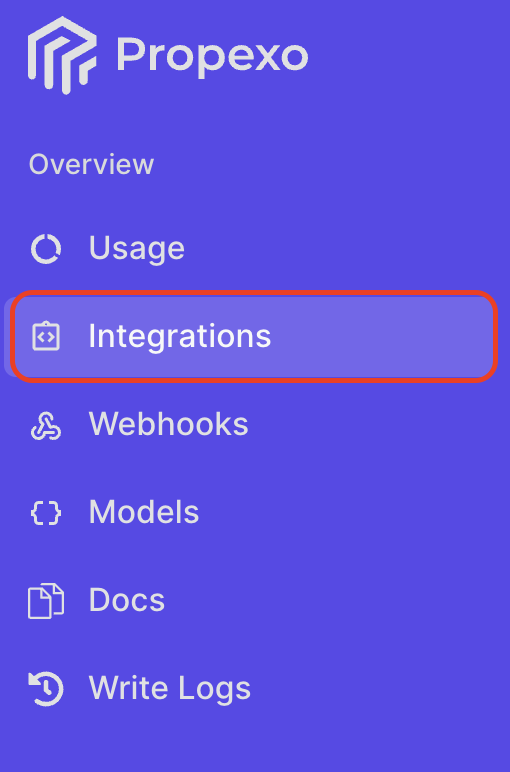
Navigate to the Integrations section in Propexo.
Select the relevant PMS.
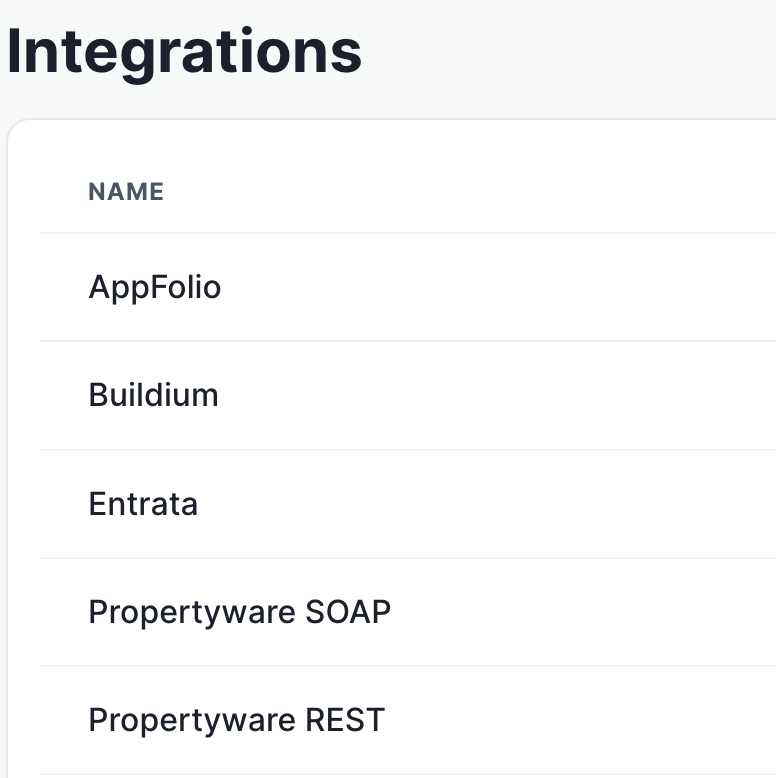
Then, select the relevant integration.
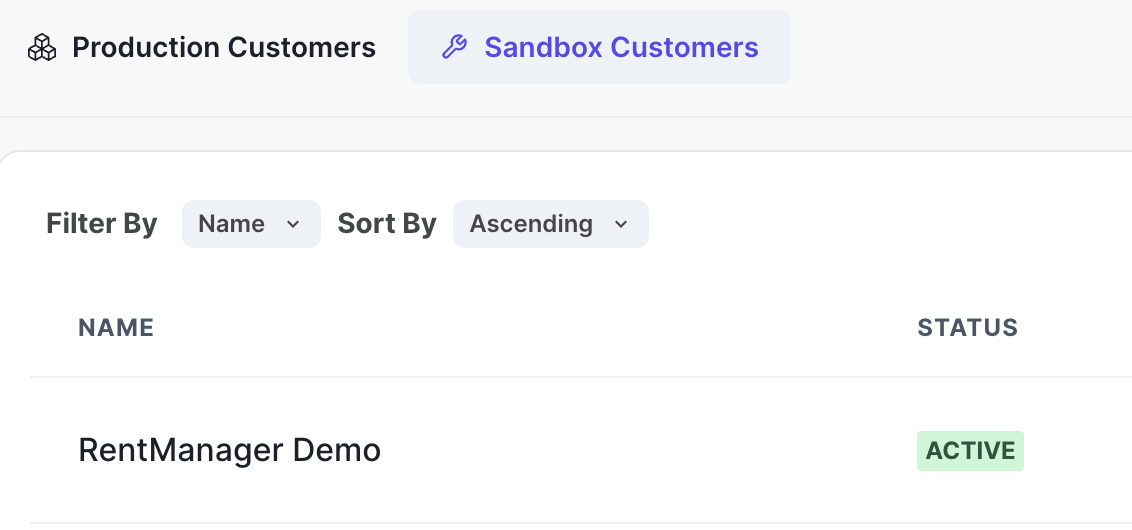
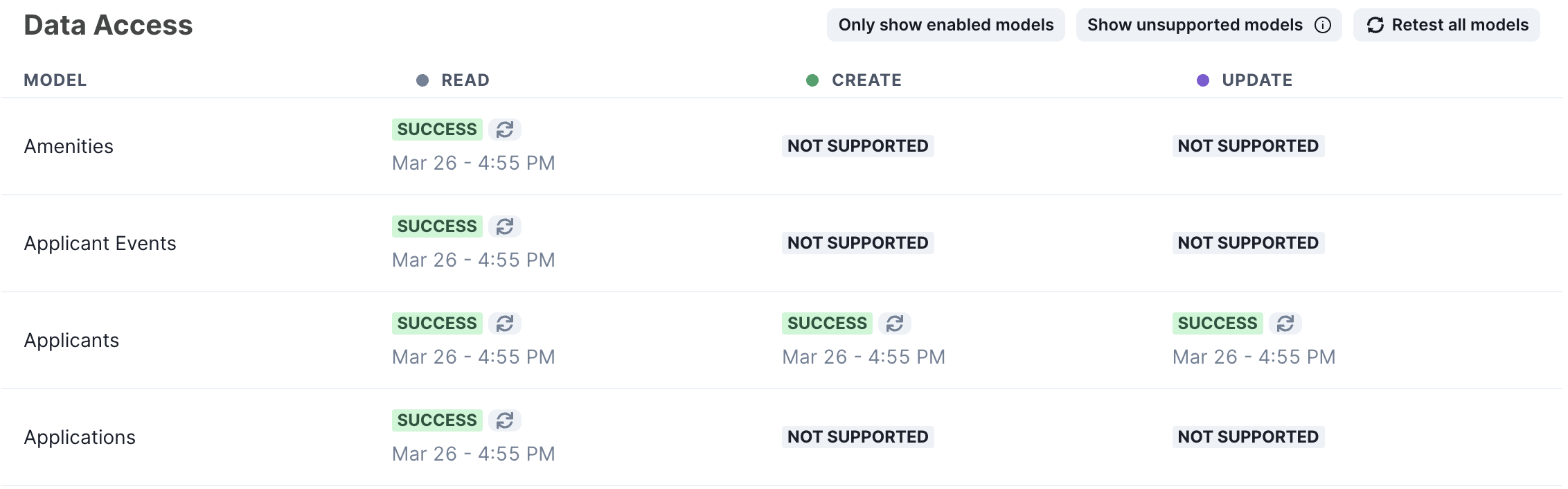
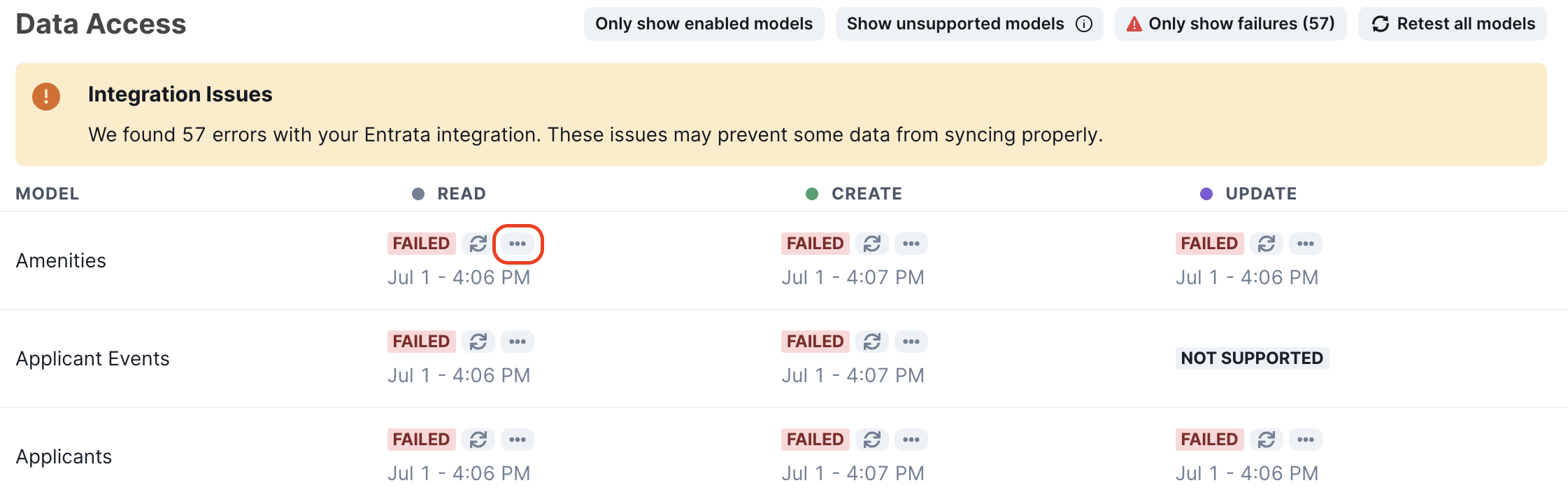
The Data Access panel will be below the integration details. It will highlight any unsupported models, flag any unsuccessful connections and provide relevant error messages, which will help the support department in resolving the issue. You can trigger another data access check by clicking the "Retest all models" button.
Example Data Access panel for a successfully connected integration:
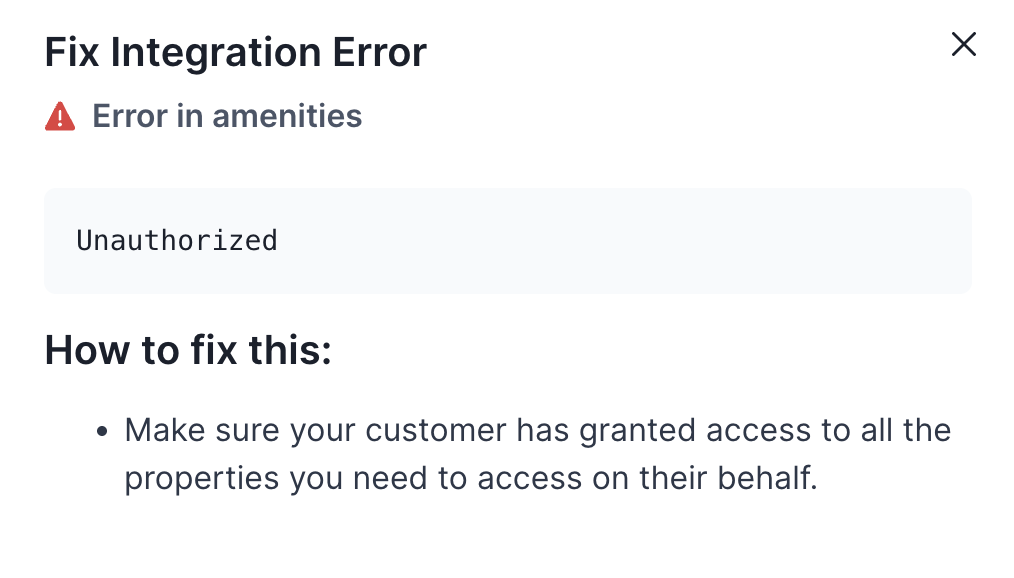
Example Data Access panel for a failed integration, with the button to show the error message highlighted:
Example error message to be provided to support: